
Color by number,
made by AI
Color 10,000+ cozy pixel artworks by number — or type any idea and watch it become a puzzle that exists only for you.

Free to play · No account needed










Three taps to a finished piece
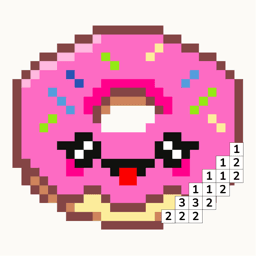
Every artwork is a pixel grid. Every pixel has a number. Every tap fills one in. That's the whole game — and that's why it's so calming.
Pick a picture
Browse 10,000+ pixel artworks across 15 categories — cute, kawaii, food, fantasy, mandalas, and more. New pieces arrive all the time.
Tap a number, color a cell
Each pixel has a number. Match it to the color shown below — that's it. No skill required, no wrong moves, no timers.
Watch it come to life
Finish a piece to a little celebration, keep your daily streak going, and share your favorites with friends.
Type it. See it in pixels.
The part no other coloring app has: describe any idea, or start from a photo, and get a brand-new pixel puzzle that's yours to color.
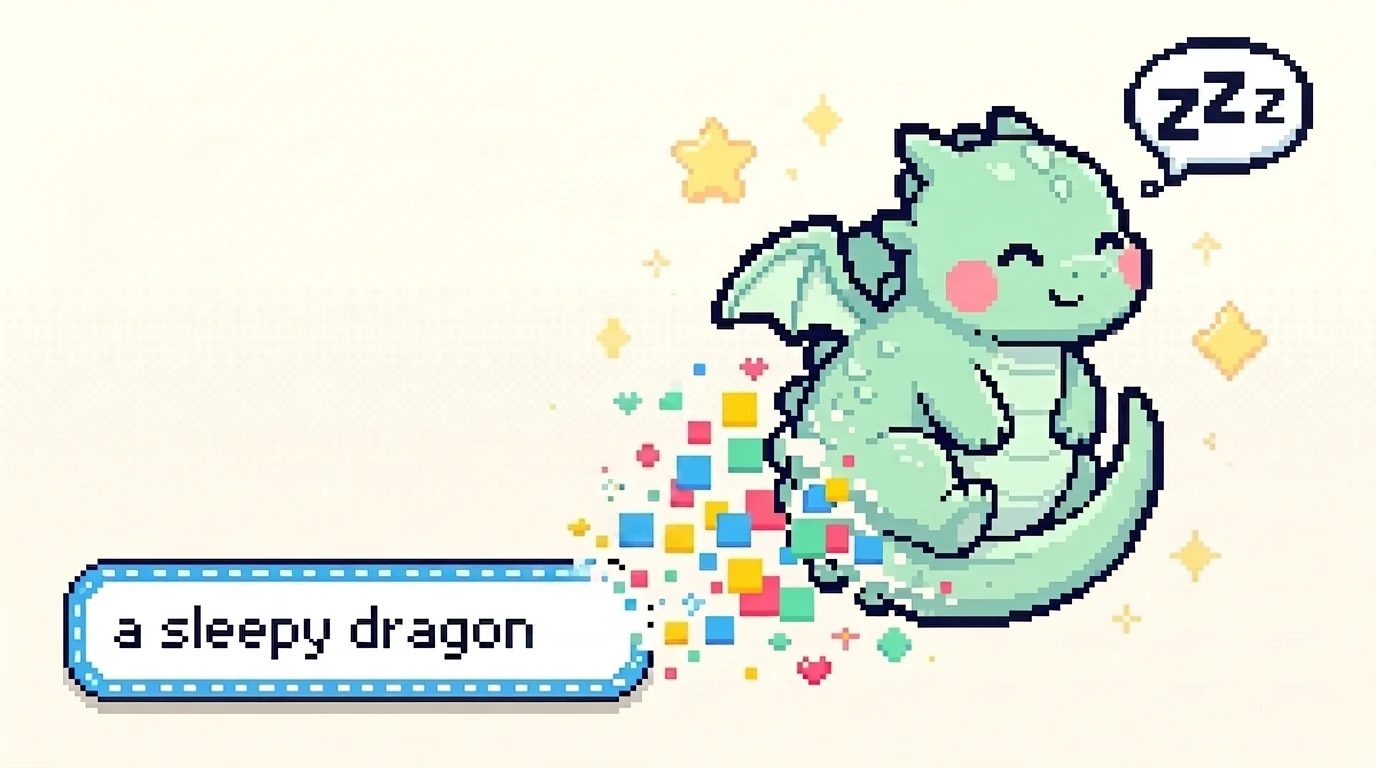
Prompt to puzzle
Type any idea, pick one of ten styles and a canvas size, and about a minute later you're coloring something nobody else has. Kawaii to noir, 32×32 to 96×96.
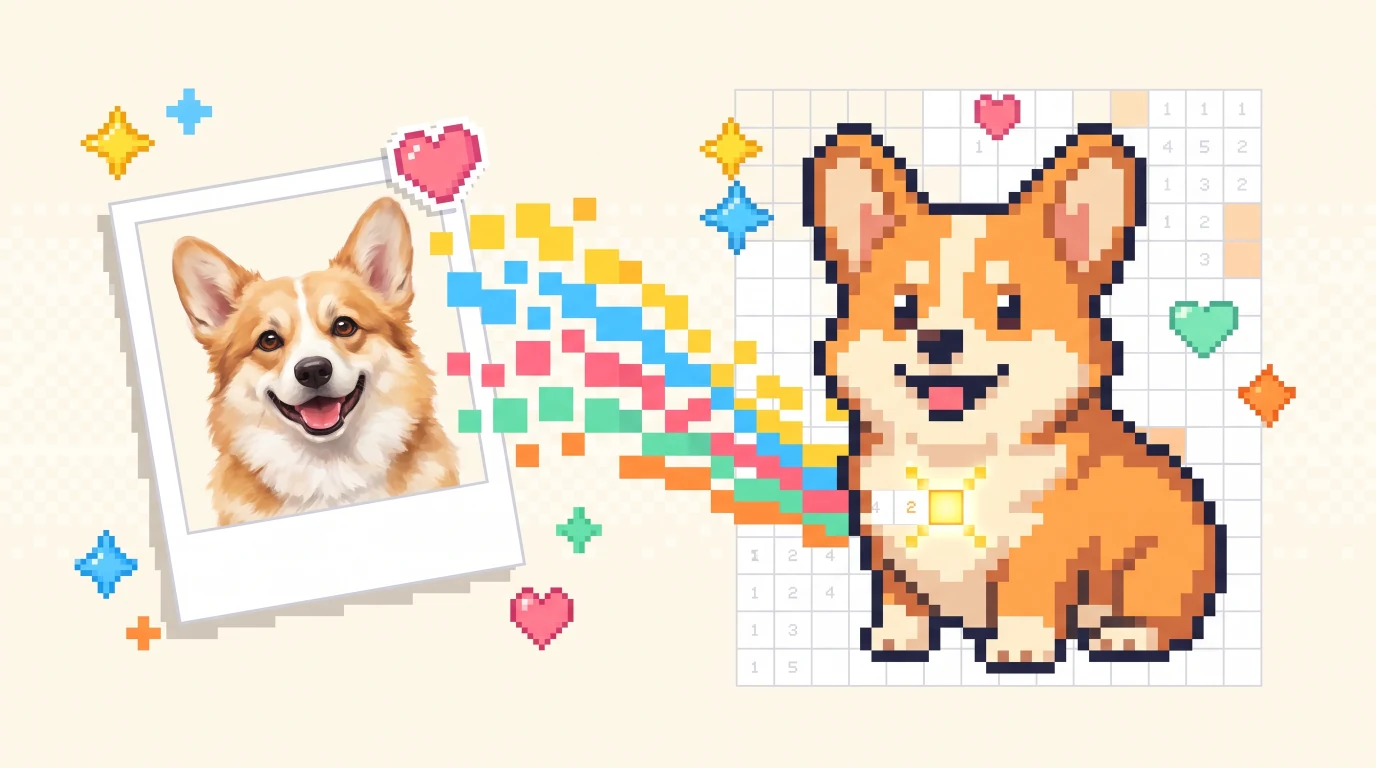
From your photo to a puzzle
Point Pixfun at a photo — your dog, your street, last summer's sunset — and it becomes a color-by-number pixel portrait you can fill in and keep.
Cozy on every screen
A library that always has something new, a canvas that feels like a warm desk lamp, and progress that syncs the moment you pick your phone back up.
- Works offline — color anywhere
- iPhone, iPad, and Android
- Start coloring without an account






Little reviews, big smiles
“I typed 'my cat as a wizard' and ten minutes later I'd colored the whole thing. It's on my fridge now.”
 Maya · App Store review
“The only app on my phone that slows me down instead of speeding me up. Ten quiet minutes before bed, every night.”
 Jonas · Google Play review
“My daughter and I take turns on the 96×96 puzzles. The photo mode turned our dog into our favorite one yet.”
 Priya · App Store review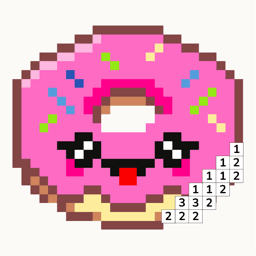
A little calm, every day
Keep a daily streak, collect coins, and unlock rewards — at whatever pace feels good. Pixfun celebrates showing up, not speed. Miss a day? Tomorrow's a fresh grid.
Questions, answered
Is Pixfun free to play?
Yes. Pixfun is free to download, with free artworks, daily coin rewards, and a welcome AI generation. Pixfun Pro is an optional subscription that unlocks the full library, removes ads and watermarks, and adds monthly AI credits and coins.
How does the AI pixel art generator work?
Type any idea — a sleepy dragon, your hometown, a pizza astronaut — and Pixfun turns it into a color-by-number pixel puzzle in about a minute. Pick a canvas size and one of ten art styles, then color your creation tap by tap.
Can I turn my photos into pixel art?
Yes. Pixfun's photo-to-pixel tool converts a photo from your camera or library into a colorable pixel puzzle — pets, friends, favorite places, anything you like.
Do I own the pixel art I make in Pixfun?
Your finished pieces are yours to enjoy: save them, print them, and share them with friends and family. Commercial use of AI-generated artwork needs our written permission first — the Terms of Service explain the details.
Which platforms is Pixfun on?
Pixfun is available now — on iPhone and iPad from the App Store, and on Android phones and tablets from Google Play. It is free to download, and you can start coloring without creating an account.
How do I cancel Pixfun Pro?
Anytime, from your App Store or Google Play subscription settings, at least 24 hours before the renewal date. You keep Pro access until the end of the period you paid for.
Your next calm moment is a tap away
Join the pixel-art coloring game that makes new art just for you.